NavAv
A scheduling and attendance web app I designed, built and ran on my own from 2016 to 2026. Organizers publish events, members answer yes or no from their inbox, and everyone can see who’s coming.
The problem
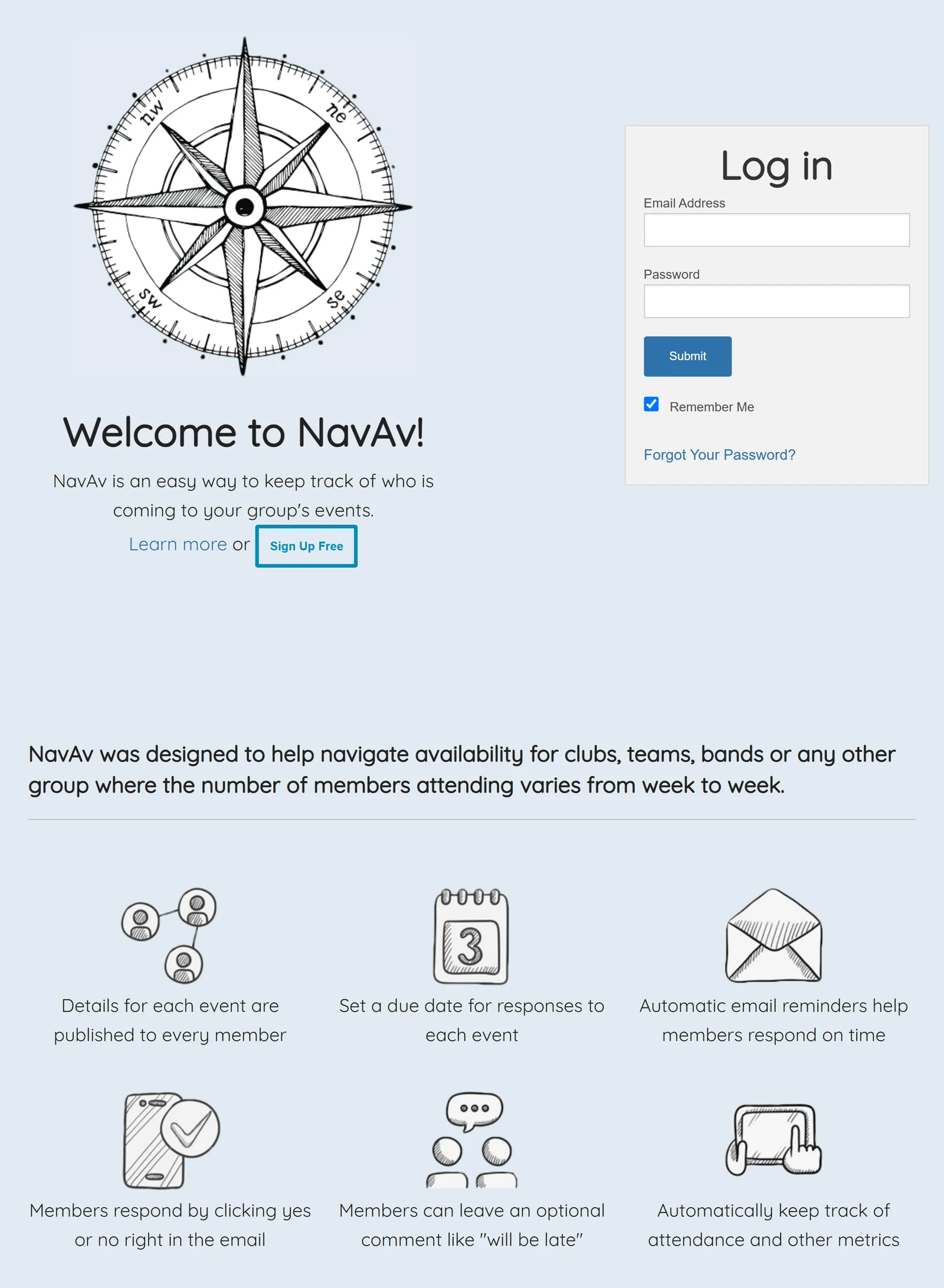
In 2016 part of my job with the Naval Reserve was finding out which musicians could play each engagement. That meant chasing answers by email and phone, keeping a spreadsheet up to date, and doing it again for every event. NavAv started as a way to automate that.
It suited any group where the number of members attending changes from week to week, so I opened registration to everyone. Without any advertising, it spread by word of mouth to bands, clubs and teams.
Publishing an event
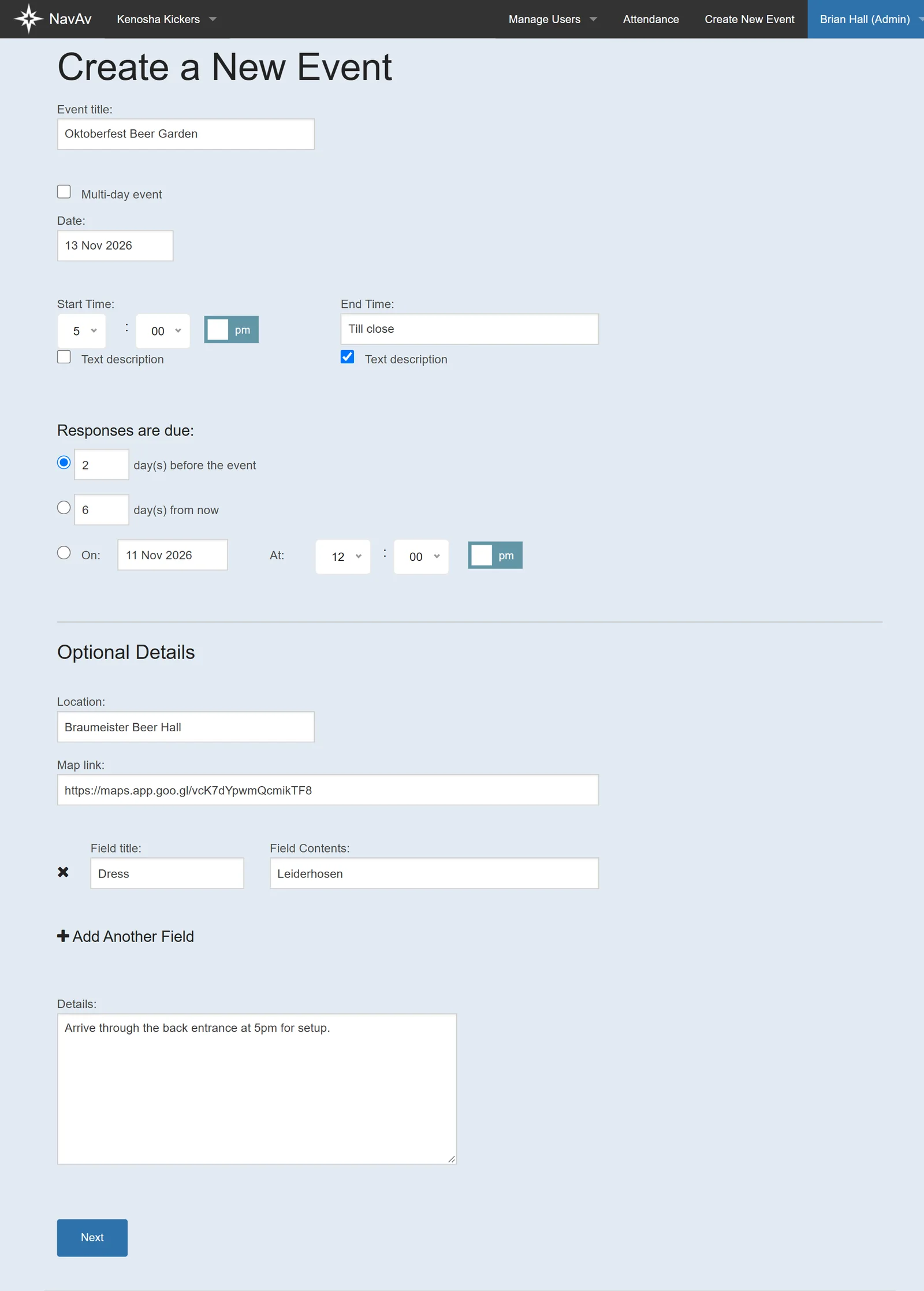
An organizer enters the date, times and a response deadline. The deadline can be a number of days before the event, a number of days from now, or a fixed date. Organizers can add their own fields, such as dress, to suit their group.
Before publishing, they choose whether members can see each other’s answers, whether a “no” asks for a comment, and whether to send it straight away or with the next morning’s summary email.
Reply to events in the app or directly from the inbox
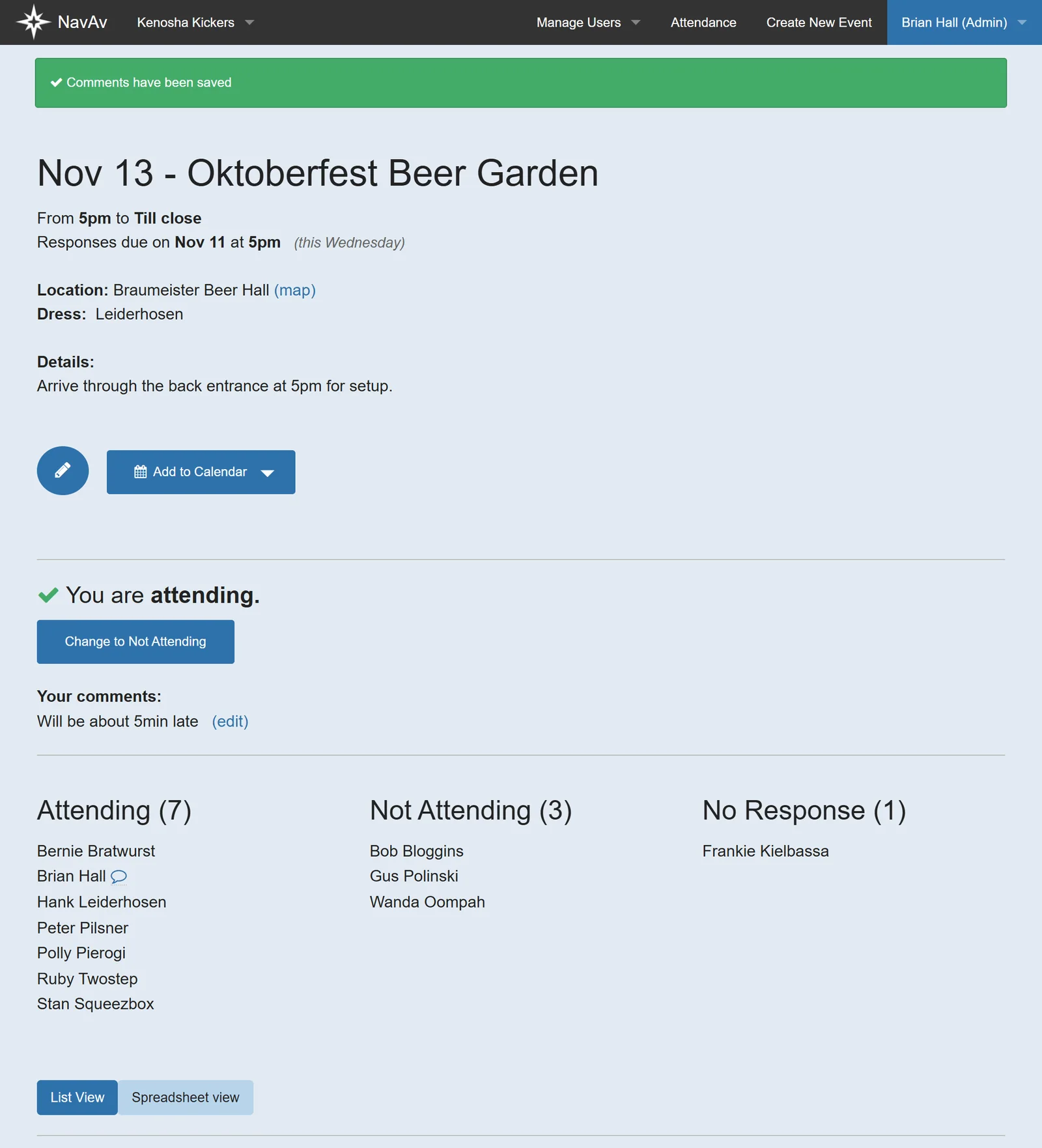
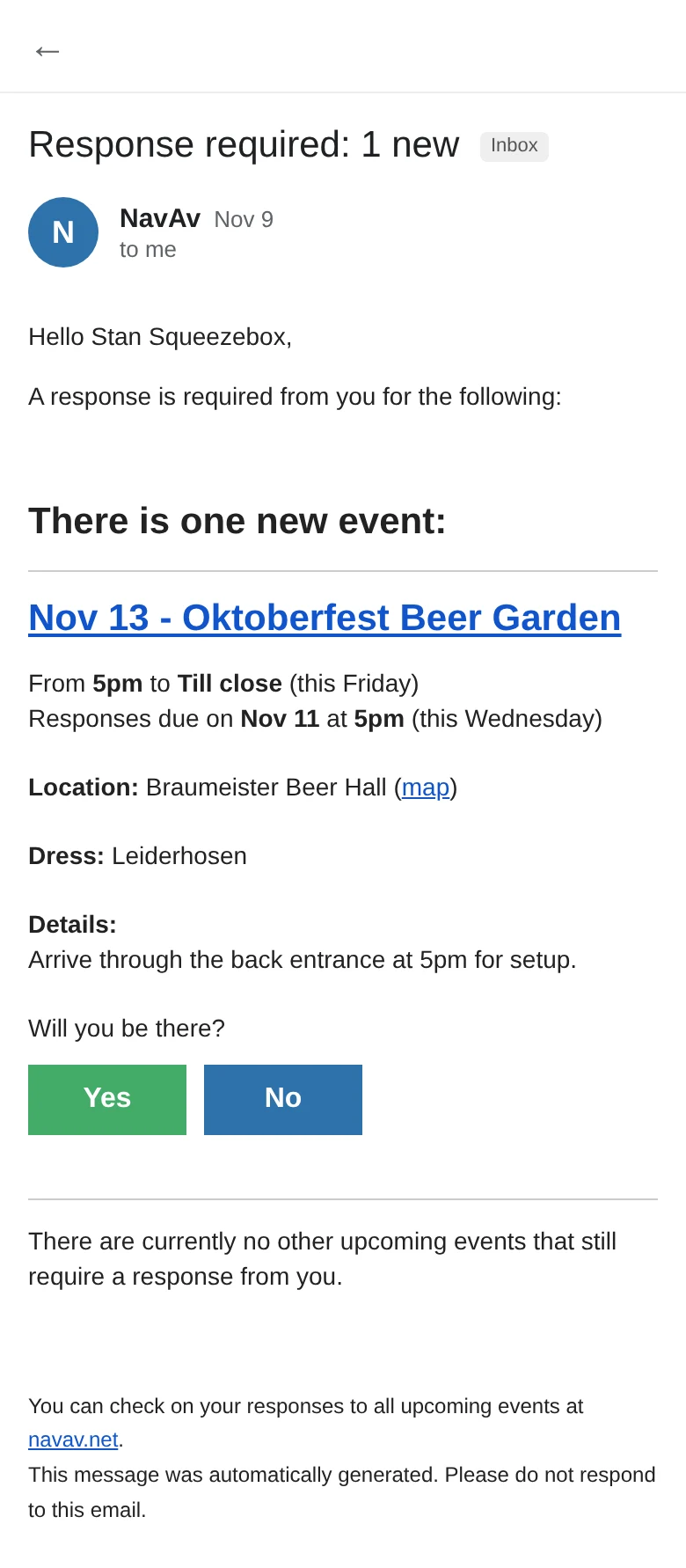
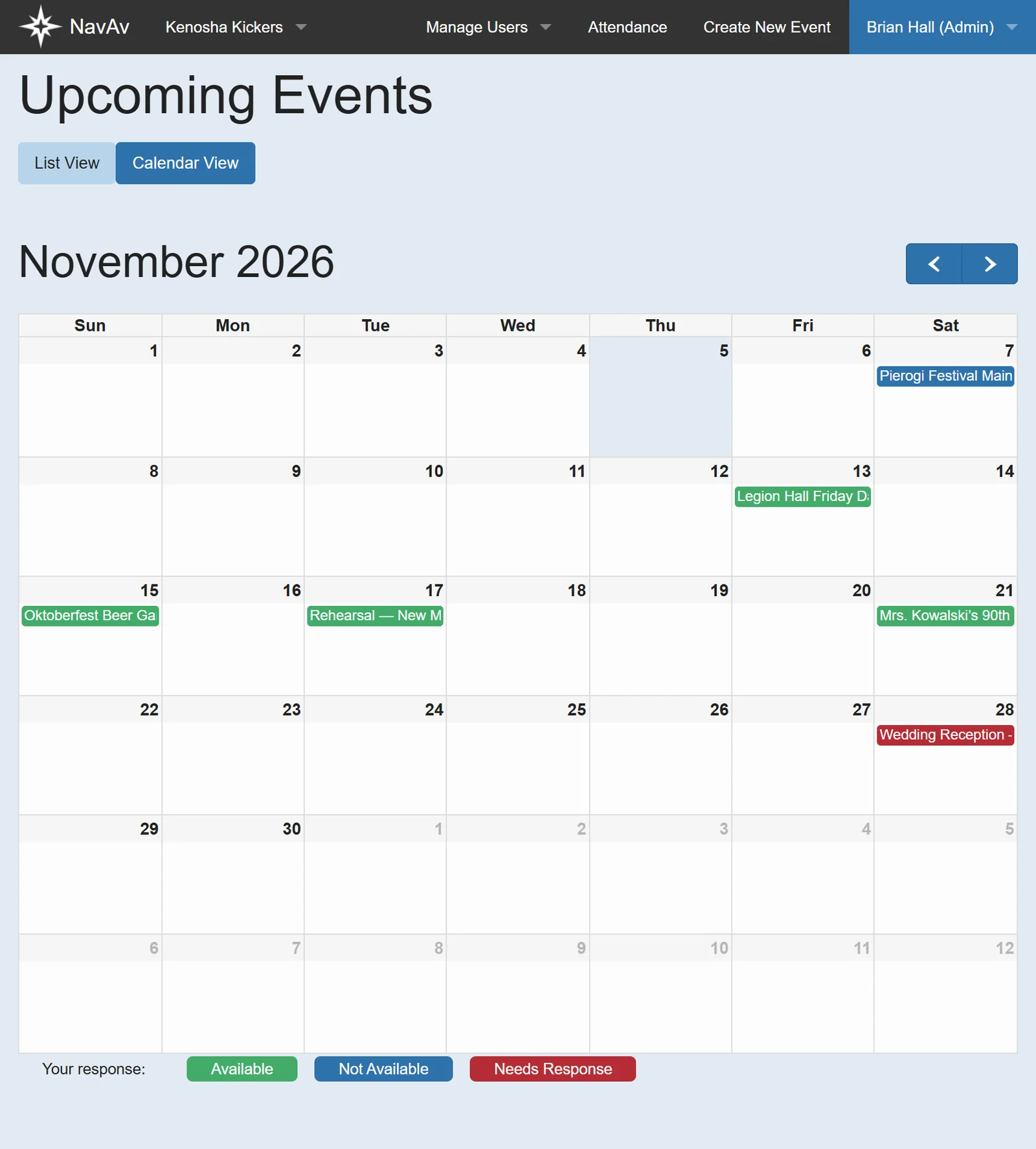
Members can answer on the event page, or straight from the invitation email: every invitation contains yes and no links that record the answer without logging in, so replying takes one tap. Members can add a comment and change their answer later if the organizer allows it. Reminder emails go to anyone who hasn’t answered before the deadline.
Keeping records
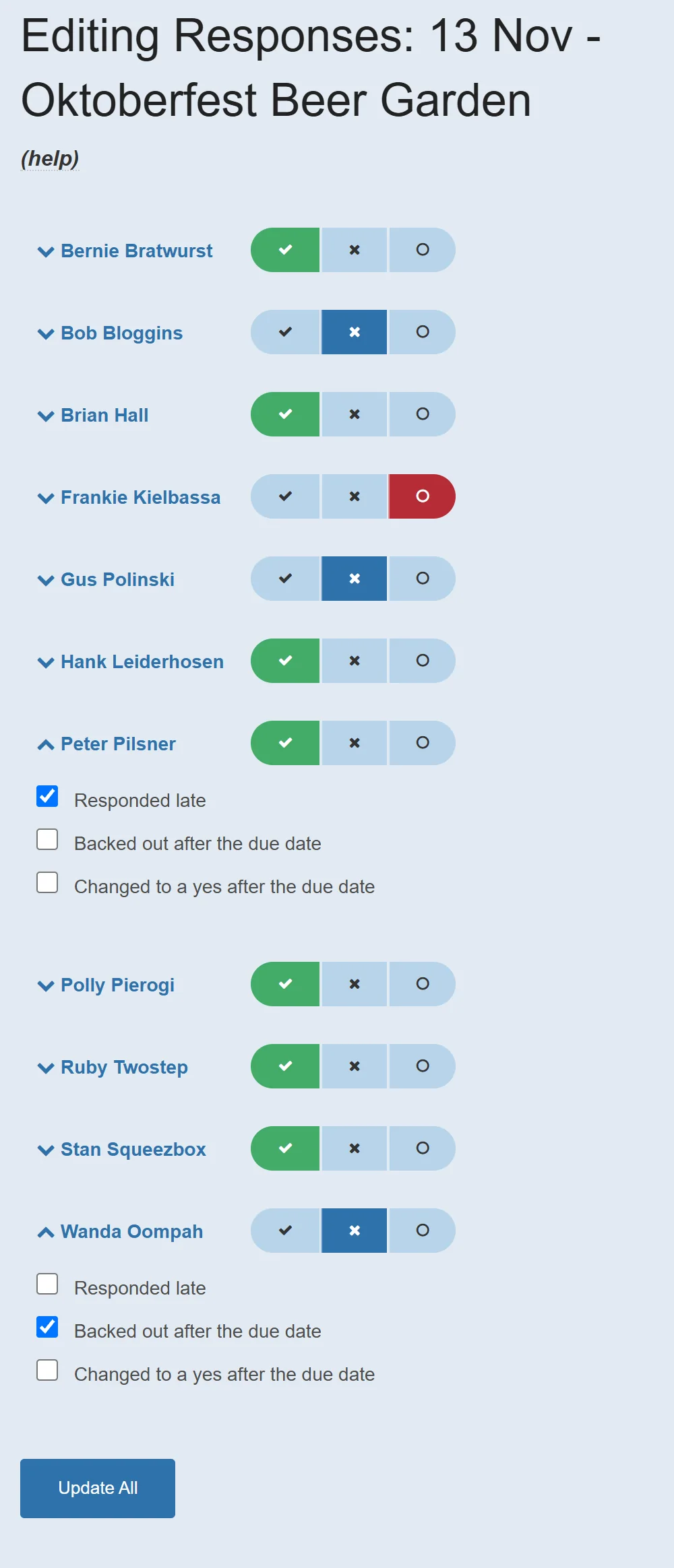
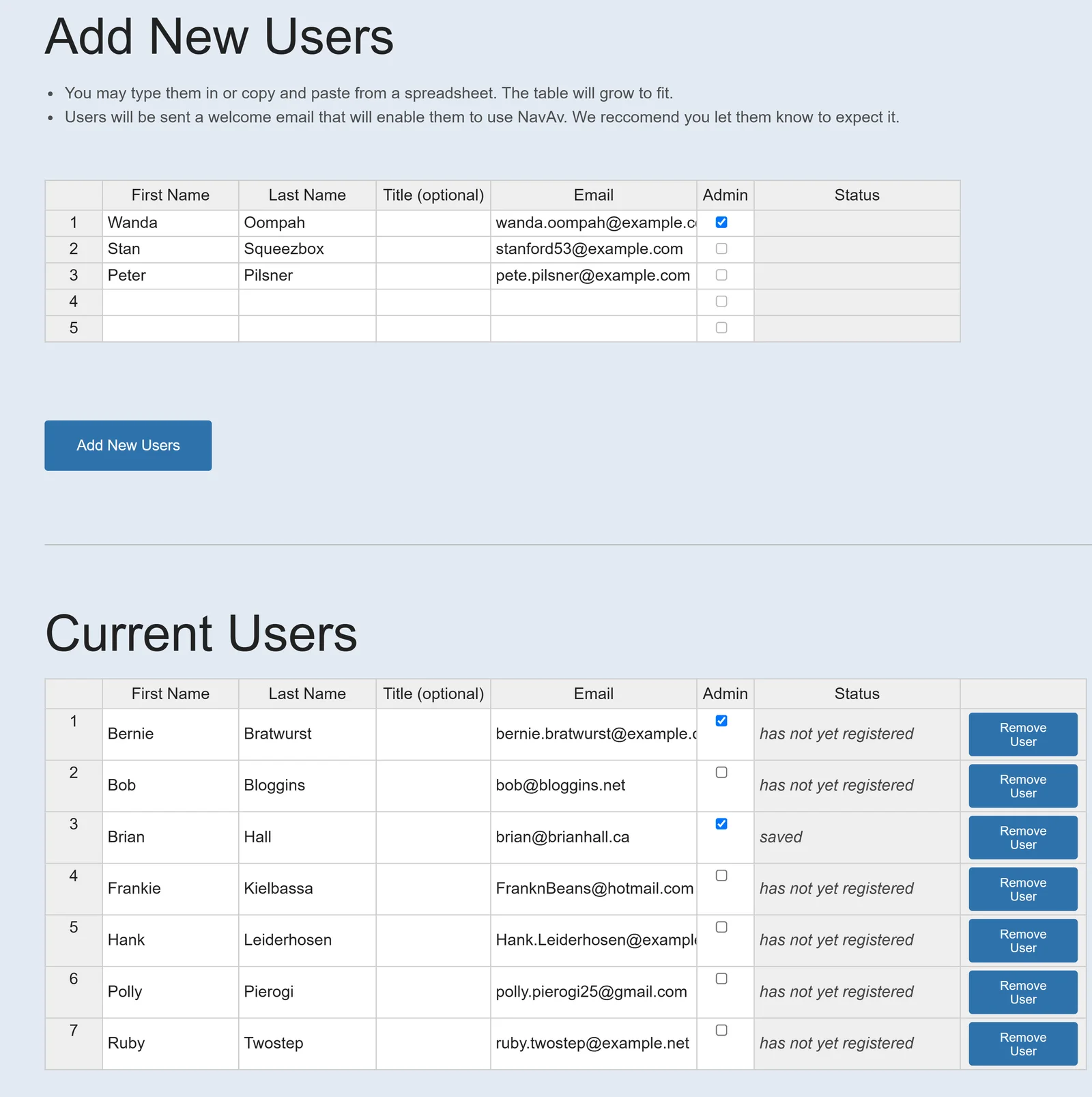
Administrators can correct any response and mark when someone answered late, pulled out after the deadline, or switched to a yes after it. Those flags feed attendance reports. Members can be added in bulk by pasting rows from a spreadsheet.
Responsive layout
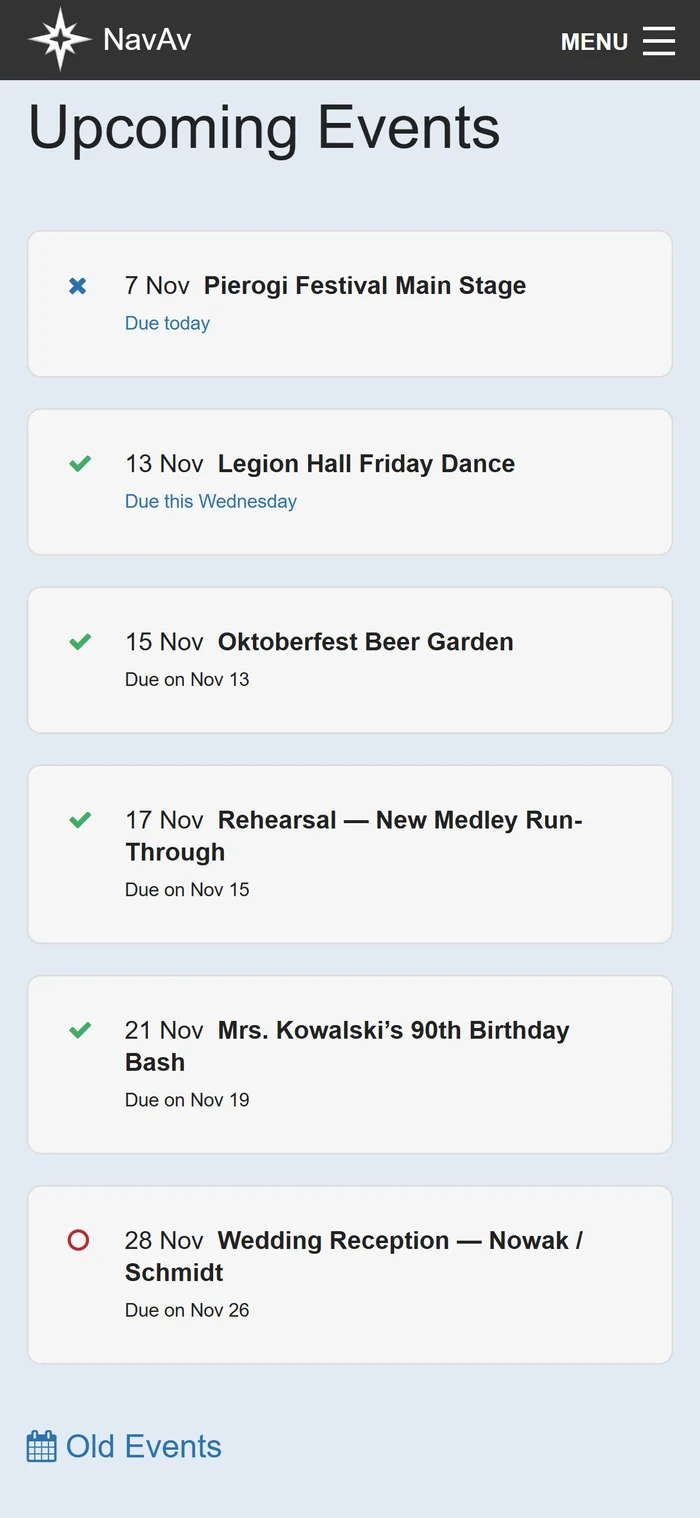
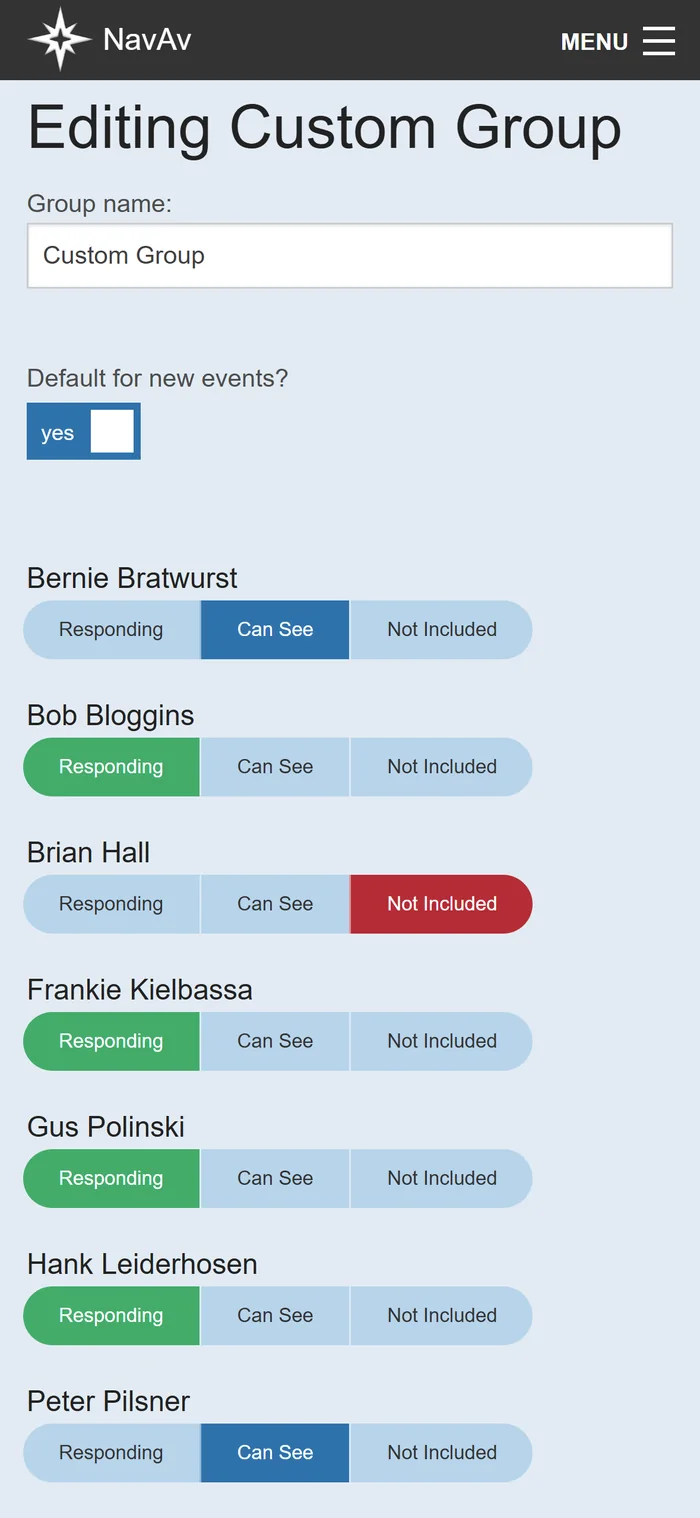
Every screen adapts to the size of the device, from a desktop monitor down to a phone, which is where most members opened NavAv from their invitation emails. The paid Pro tier added custom groups, so an organizer could invite only part of the membership to an event.
How it was built
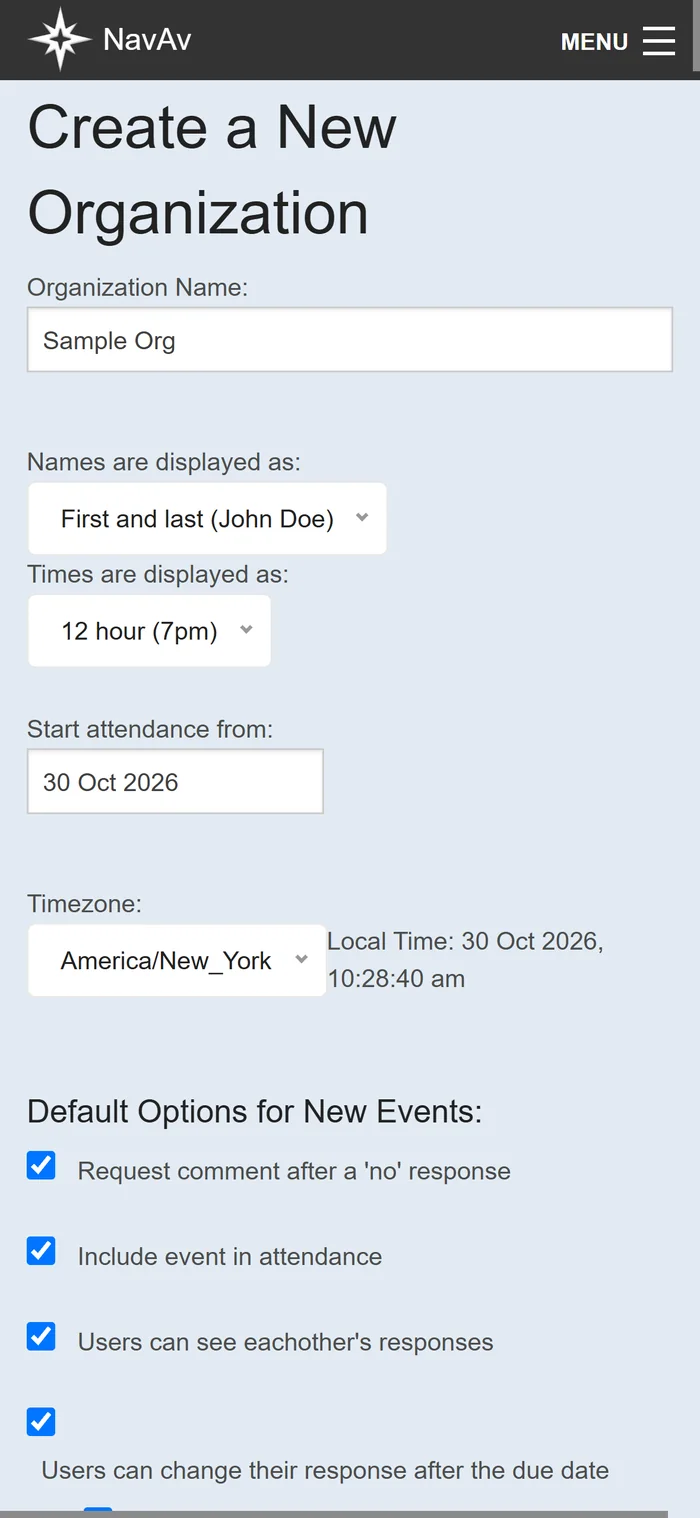
NavAv was a Laravel (PHP) application with a MySQL database, hosted on a self-managed Ubuntu and Apache server. Scheduled jobs sent invitations, daily summaries and reminders, and signed links in each email recorded responses without a login. Accounts were organized into organizations, members, administrators and custom groups, with per-organization settings for time zone, name display and event defaults.
Retirement
By 2026 the version of PHP NavAv depended on had reached end of life. Rather than rewrite a ten-year-old application, I retired it and archived the code and data.